Your personal CRM
Bright helps you stay connected with the people that matter the most. Sync with Google Calendar and Gmail so you always know when you last met, emailed, or followed up.
Calendar sync
Connect Google Calendar to automatically pull in your meetings, see who you're meeting with, and track history over time.
Email sync
Track email conversations alongside your contacts. Bright indexes your email metadata so you can see the full relationship picture.
AI meeting prep
Before every meeting, Bright surfaces context on who you're meeting — last touchpoint, notes, and signals — so you can walk in prepared.
Smart notes
Take rich meeting notes with Markdown and checklists. AI summaries make long notes scannable at a glance.
Activity timeline
A unified feed of meetings, emails, notes, and reminders for every contact — so you never lose the thread.
Reminders & groups
Set follow-up reminders on any contact or note. Organize people into groups so you can see the relationship landscape at a glance.
See it in action
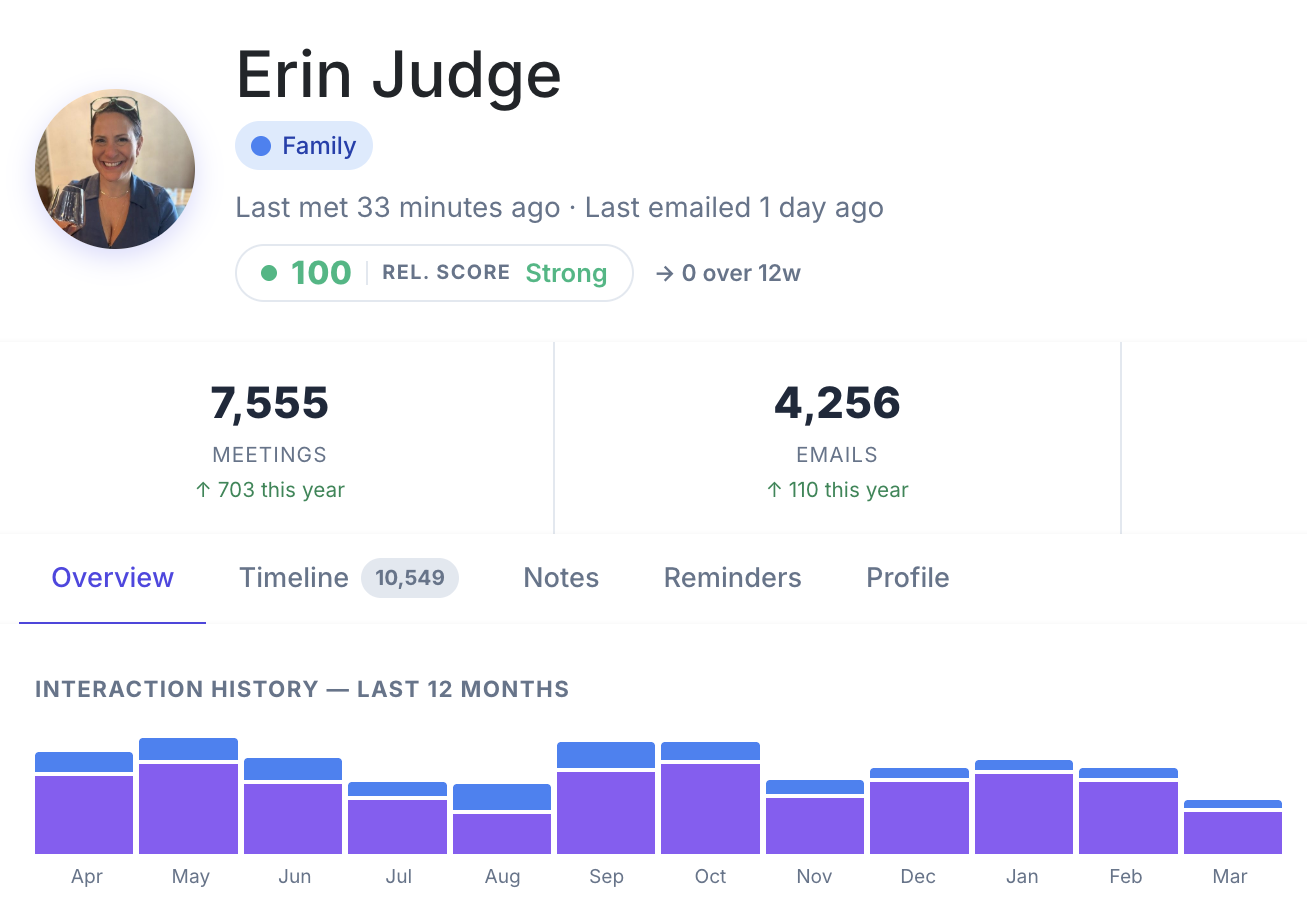
Rich contact profiles with relationship scoring, meeting history, and Gmail activity.
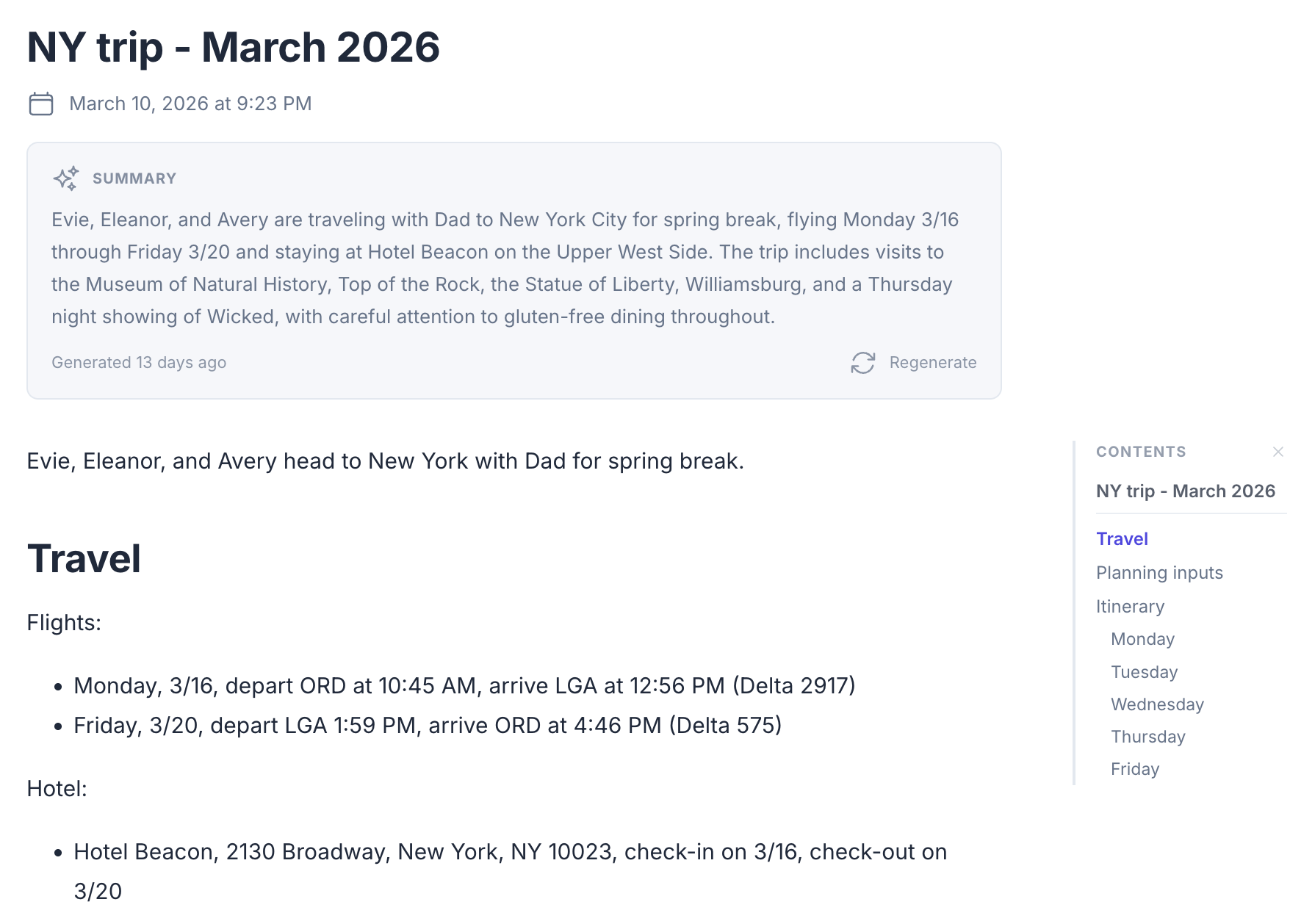
Long-form notes with Markdown, AI summaries, and an auto-generated table of contents.
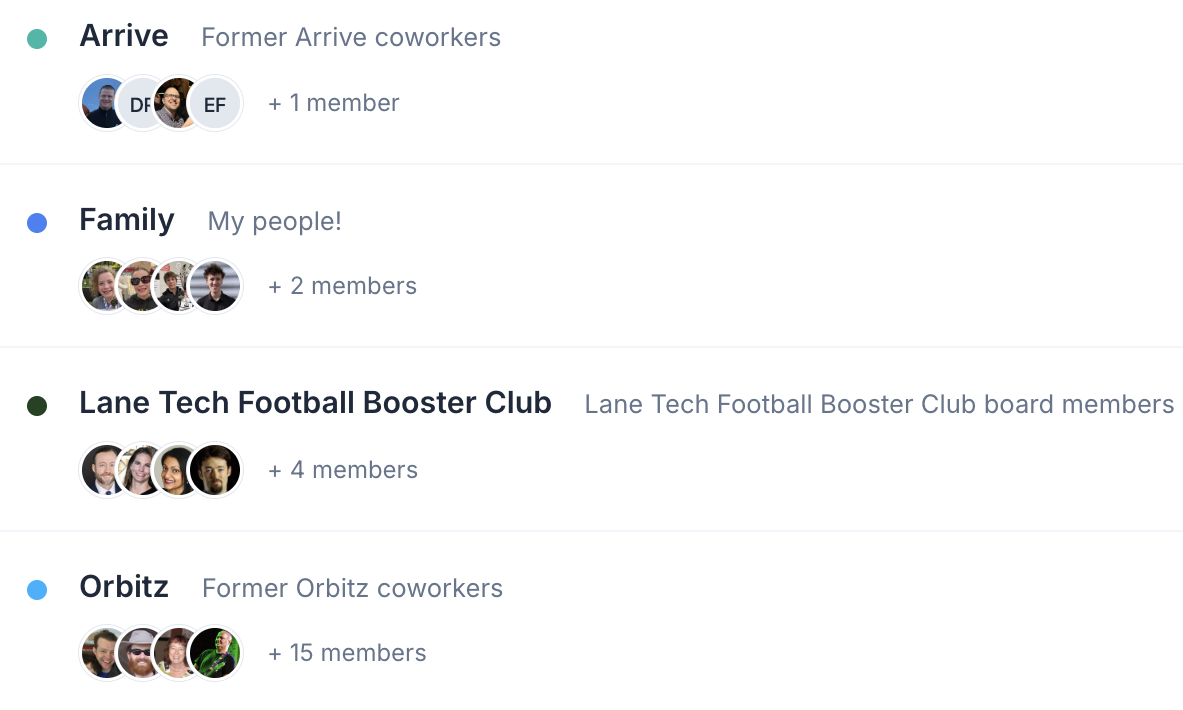
Organize contacts into groups and view activity across the whole group.
For power users
Pipe in notes automatically
Use the Bright API to send meeting notes from Granola. Bright matches them to the right calendar event and creates a note — no copy-pasting required.
Google Integration
How Bright uses your Google account
When you connect your Google account, Bright uses read-only access to:
- Google Calendar — to sync your meetings, see who you've met with, and prepare you for upcoming conversations.
- Gmail — to index email metadata (sender, recipient, subject line, and date) so you can see your full communication history with each contact. Bright does not read email body content.
Your data is stored securely and is never sold or shared with third parties. Learn more in our Privacy Policy .